Features
Everything you need to automate your WordPress content creation workflow
Advanced AI Features
Powerful AI capabilities that make your content stand out and rank better
AI Content Generation
- Multiple AI providers: DeepSeek, OpenAI, Google Gemini, Claude, Grok
- Model selection per operation
- SEO-optimized structure
- Automatic meta descriptions
- 15+ languages support
Intelligent Image Generation
- Gemini AI for featured images
- Dynamic prompt generation from article content
- Contextual image prompts using {title}, {content}, {keyword}
- Profile avatar generation for authors
- Retry logic for reliability
Smart Interlinking
- Intelligent keyword-based filtering
- Uses stored posts from target site
- Automatic internal linking
- Context-aware connections
- Configurable interlink count
- Optimized for large sites (2000+ posts)
Content Storage & Sync
- Automatic content storage (posts, authors, categories)
- Daily sync (once/24hrs)
- Status sync every 15 minutes
- URL updates when status changes
- Original status tracking
- llms.txt generation and management
Analytics & Reporting
- Publication history with detailed metrics
- PDF report generation
- Breakdown by site and type
- Average duration tracking (draft to published)
- Schedule calendar visualization
- Keyword batch metrics
Keyword Intelligence
- Keyword variation generator
- State & major city generator (50 states, 351 cities)
- Question-based keywords (AEO optimization)
- Word count range control
- Uniqueness generation
- Usage tracking (unused, drafted, published)
Security & Encryption
- All API keys encrypted before database storage
- Decryption on key usage only
- Role-based access control
- 2FA support for all users
- Site filtering for authors
- Permission-based feature access
Advanced Scheduling
- Random or sequential keyword selection
- Randomize future post count ranges
- Random future times option
- Timezone support
- Pause/resume schedules
- Keyword exhaustion tracking
Sites Management
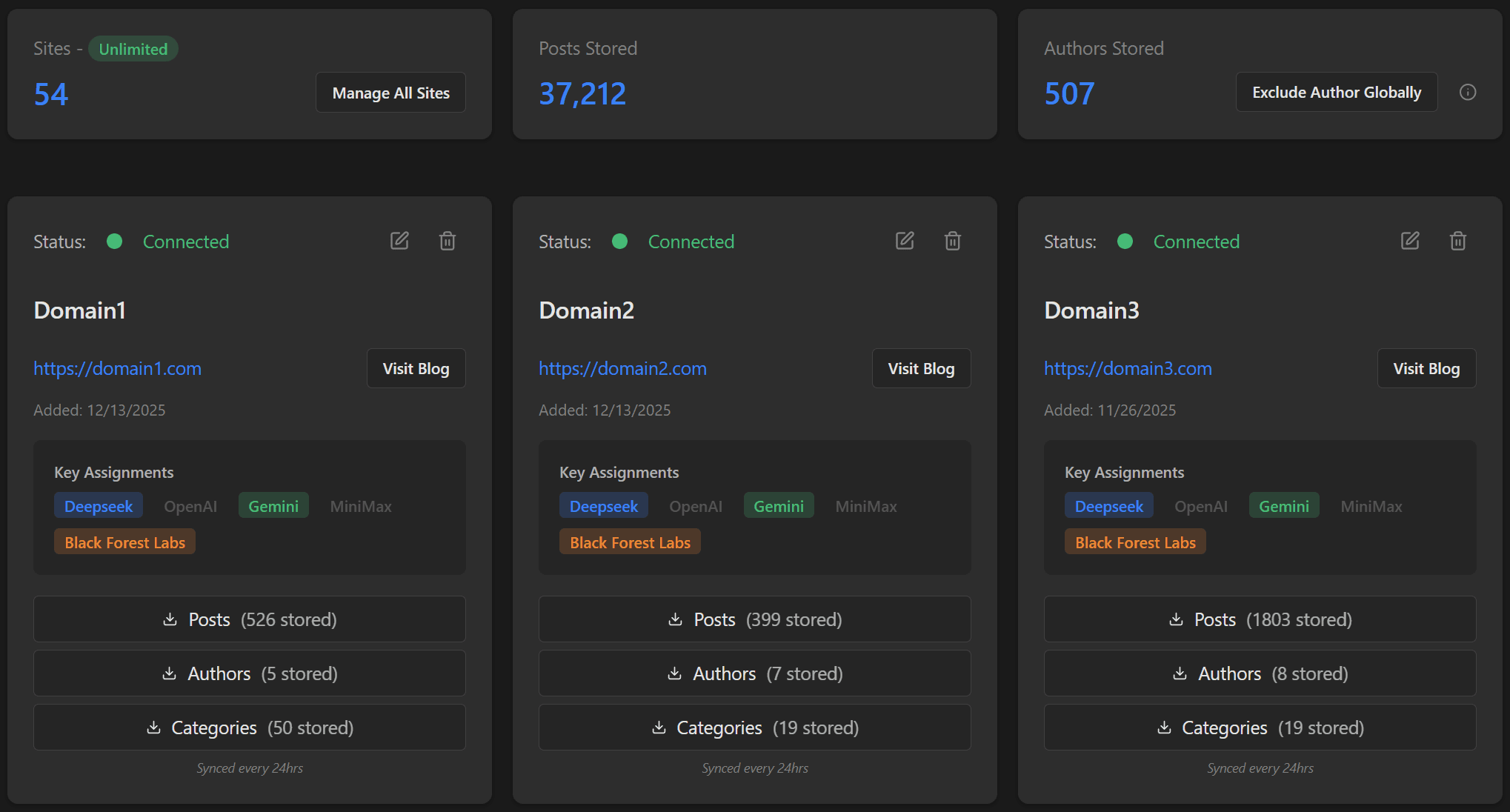
The core manager for adding and maintaining WordPress sites with their assigned parameters. Each site requires the OrganicStack Publisher Plugin installed.
- Add sites with WordPress API key authentication
- Site-specific API keys (DeepSeek, OpenAI, Gemini) - all encrypted
- Default post tags and categories configuration
- Metrics cards: total sites, posts, authors stored
- Global author exclusion from random assignment
- Content storage: pulls posts, authors, categories (once/24hrs)
- Generate and manage llms.txt files
- IndexNow in Publisher plugin: optional auto-index URLs on publish
- Role-based site access control
Keyword Batches
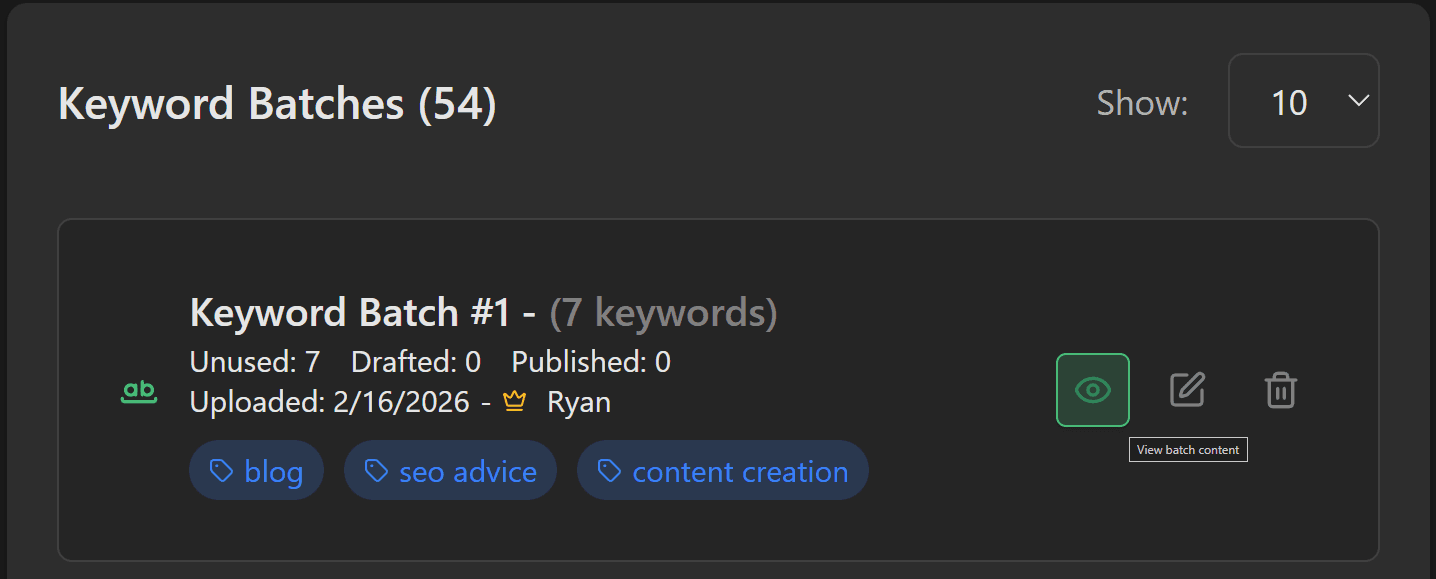
Organize keywords and URLs for schedules. Upload files or generate variations with AI-powered tools.
- Upload batches: TXT/CSV files or manual entry
- Batch types: keyword/topic or URL-based
- Batch tags for easy filtering (Legal, Health, Insurance, etc.)
- Keyword variation generator with word count range
- Question-based keyword topics (AEO optimization)
- State & major city generator (50 states, 351 major cities)
- Uniqueness generation for location-based keywords
- Metrics: total batches, keywords, unused, drafted, published
- Status tracking: unused, drafted, published per keyword
Bulk Article Scheduler
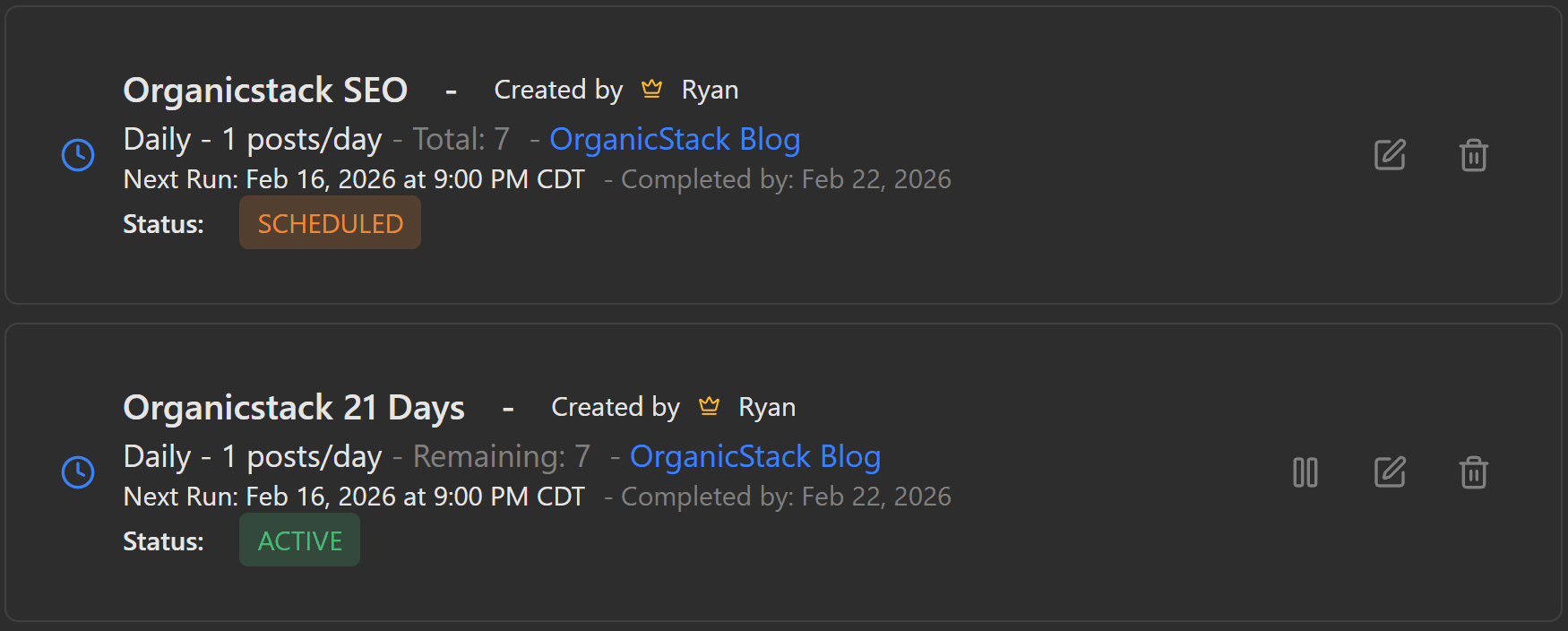
Set up once and forget. Automated content generation using keyword batches with extensive customization options.
- Create schedules with name, site, and keyword batch
- Keyword selection: random or sequential (top-down)
- Frequency: daily, weekly, or monthly
- Posts per day/week/month count
- Randomize future post count range
- Start date/time with timezone support
- Random future times option
- All generator features (images, interlinking, CTAs, backlinks, language)
- Metrics: total, scheduled, active, exhausted schedules
- Schedule calendar: month view with site colors
Prompt Library
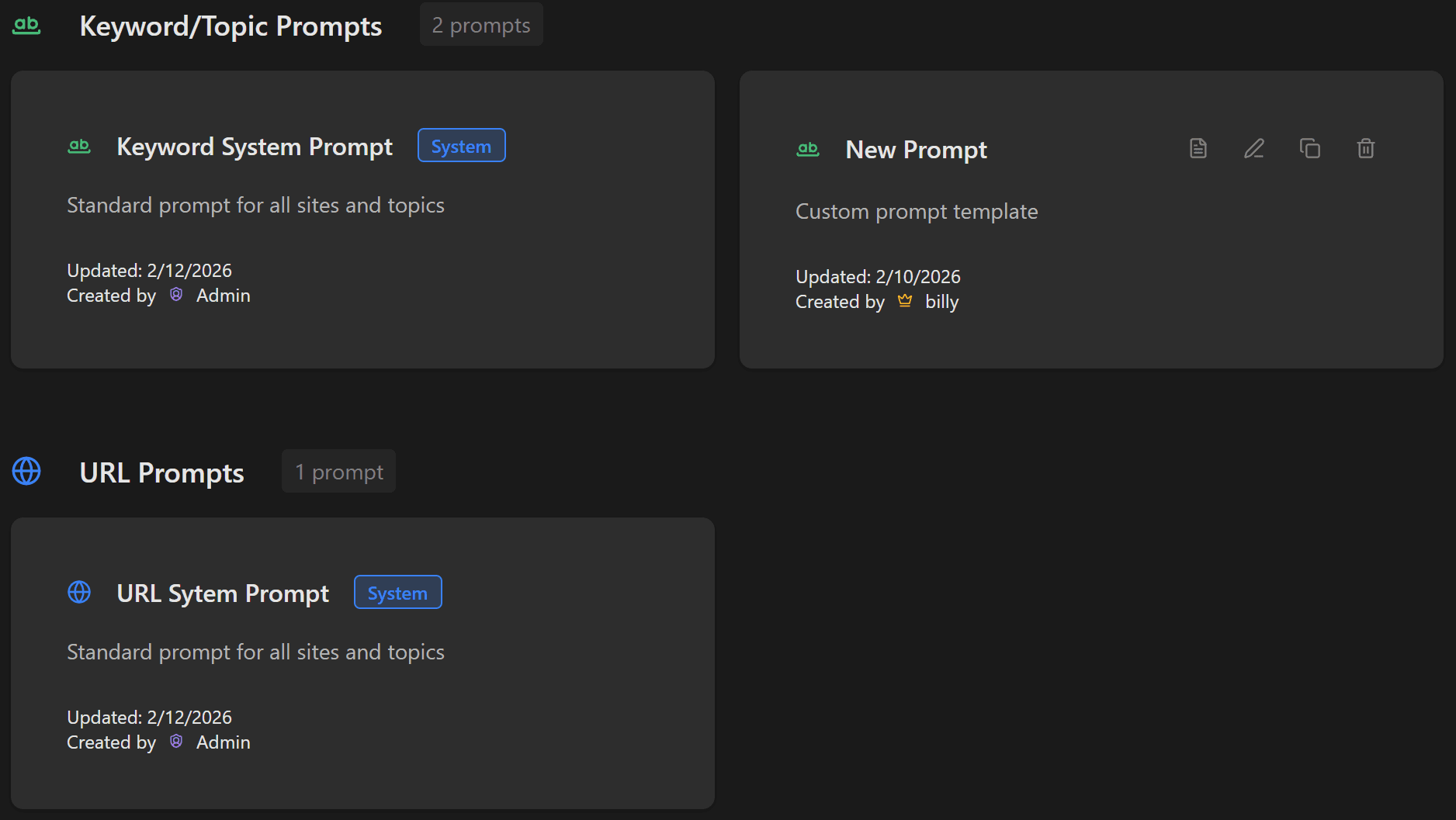
Create and manage prompt templates for different use cases. Supports keyword/topic and URL context types.
- Prompt types: keyword/topic or URL context
- Title & article content prompts with variables
- Available variables: {keyword}, {categories}, {subTopic}, {currentYear}
- Interlinking prompts with {posts} and {count} variables
- Image prompt generator: auto-creates contextual image prompts
- Image variables: {title}, {content}, {keyword}
- View, edit, clone, and delete prompts
- Created/updated date and creator tracking
- Organized by context type sections
Manual Article Generator
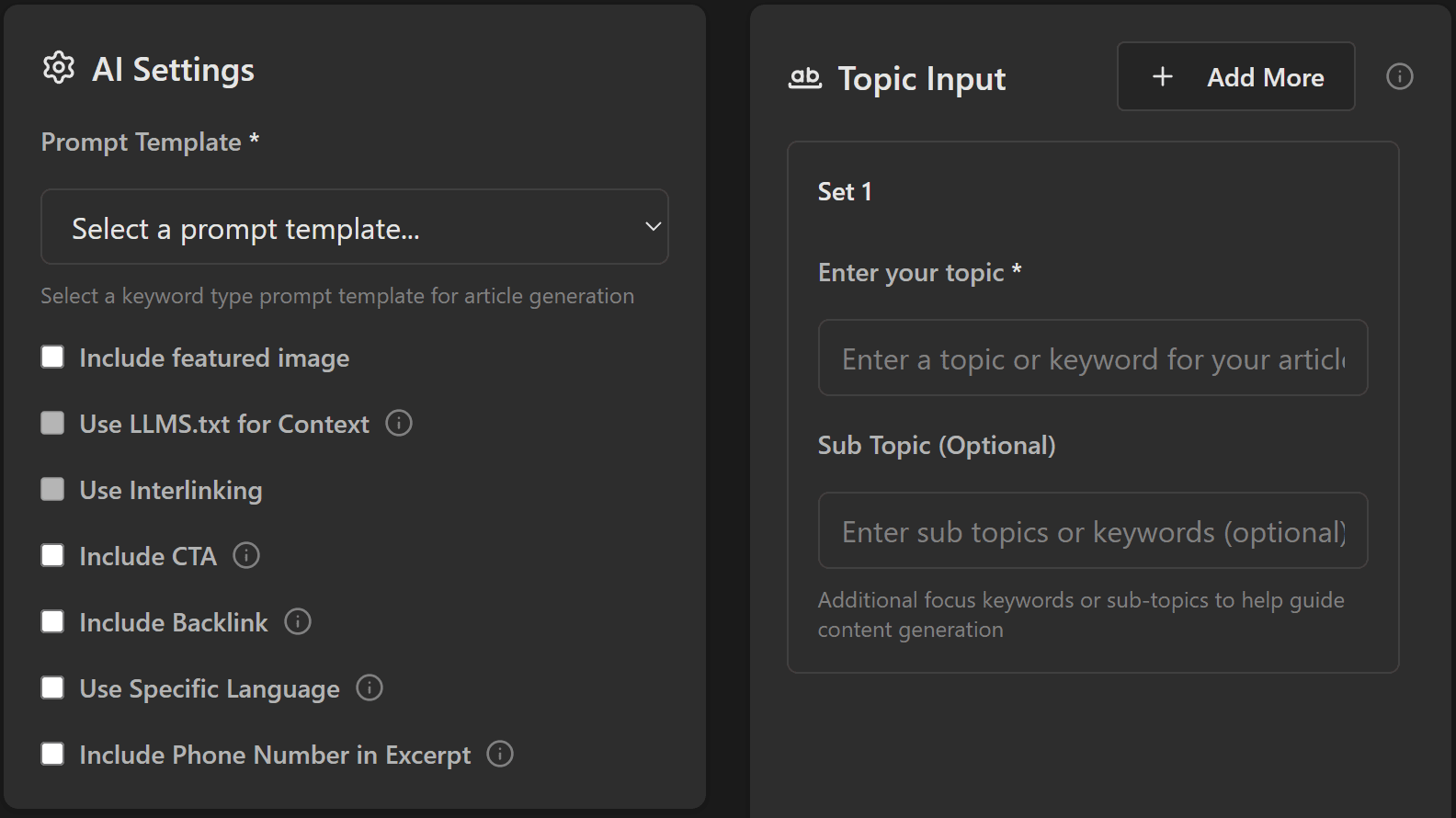
Generate single or multiple articles on the fly. Perfect for testing prompts and AI settings before scheduling.
- Context options: keyword/topic or URL scraping
- Intelligent featured image generation
- Smart interlinking with stored posts
- CTA support: link, phone (click-to-call), or both
- Custom or AI-generated CTA messages
- Backlink inclusion with reference context
- Multi-language support (15+ languages)
- Author selection from stored data
- Preview and regenerate featured images
- Push as draft or publish immediately
Publication History
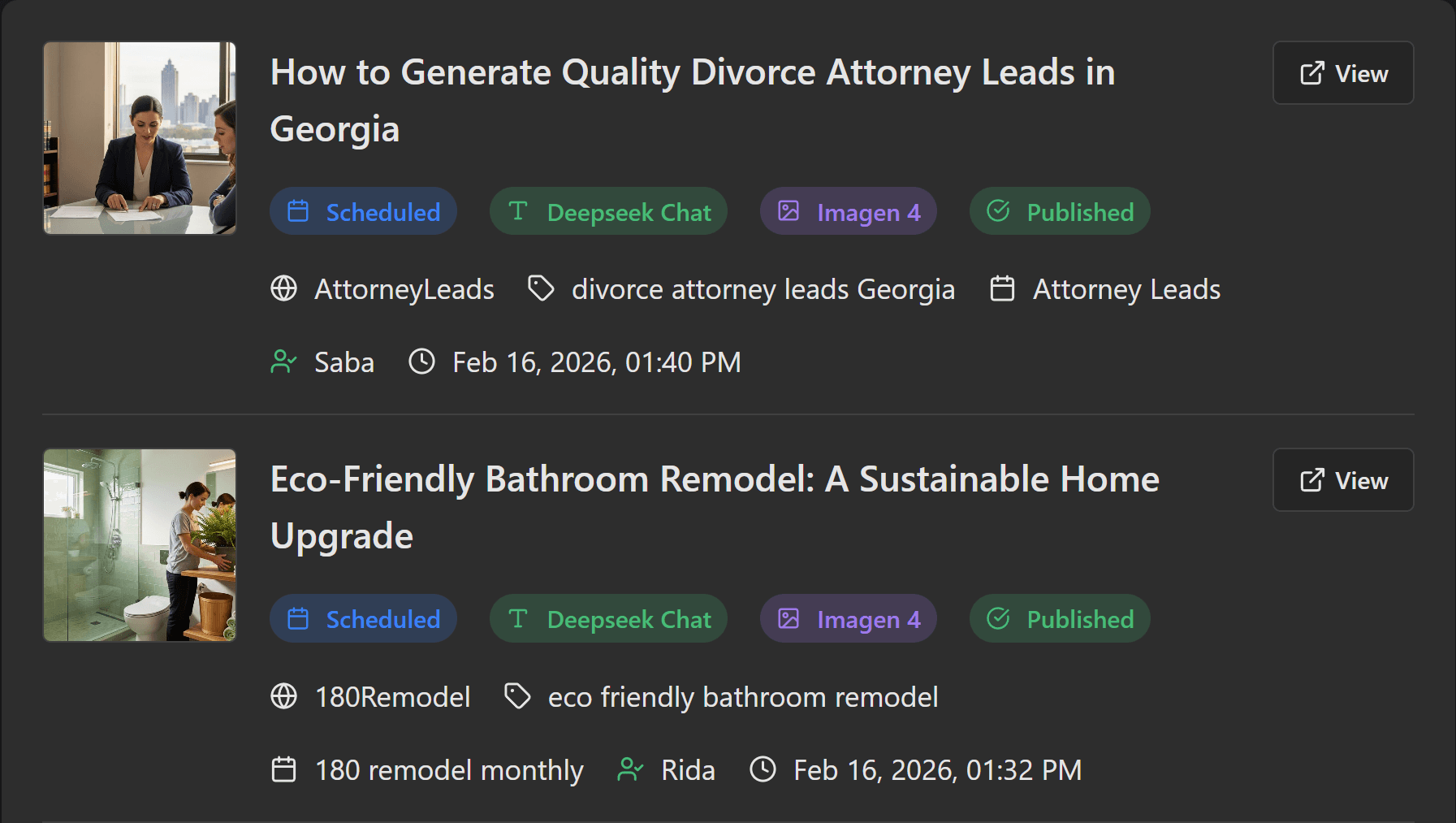
Comprehensive tracking of all posts sent to WordPress, with detailed reporting and analytics.
- Generate PDF reports for single or multiple users
- Report includes: total articles, published/drafted counts, average per day
- Average duration from draft to published
- Breakdown by site and type (scheduled/manual)
- Filters: by site, type, status, user, date range
- Individual items show: featured image, title, type, site, tags, schedule name
- Original status tracking (originally drafted/published)
- Automatic status sync every 15 minutes
User Management
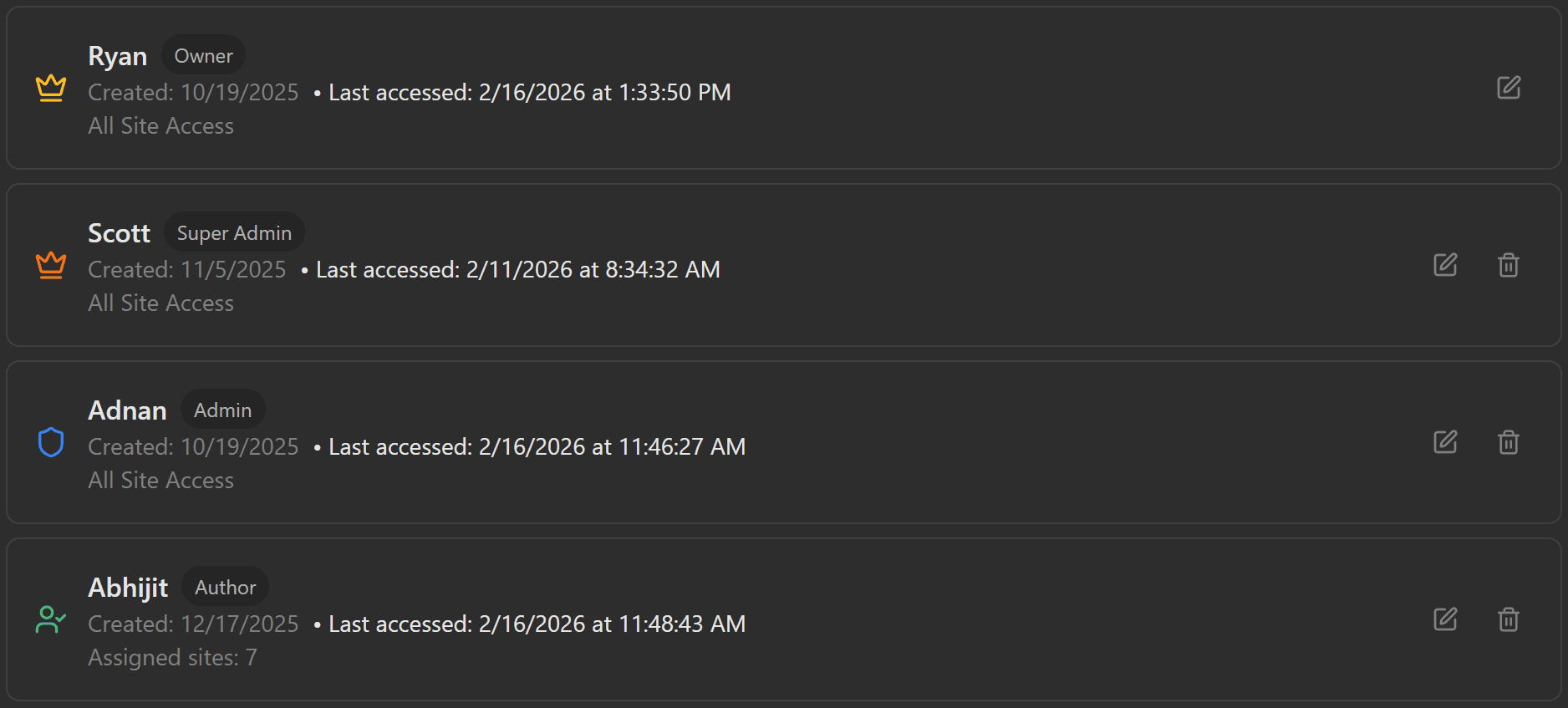
Comprehensive user management for owners, super-admins, and admins. Control roles, site access, and permissions.
- Account types: Owner, Super-Admin, Admin, Author
- Add users with username, password, and role
- Site access assignment (authors only see assigned sites)
- Filter users by role
- Author creator access control per user
- Author exclusion by site (prevent specific author assignments)
- 2FA information display
- Permission hierarchy
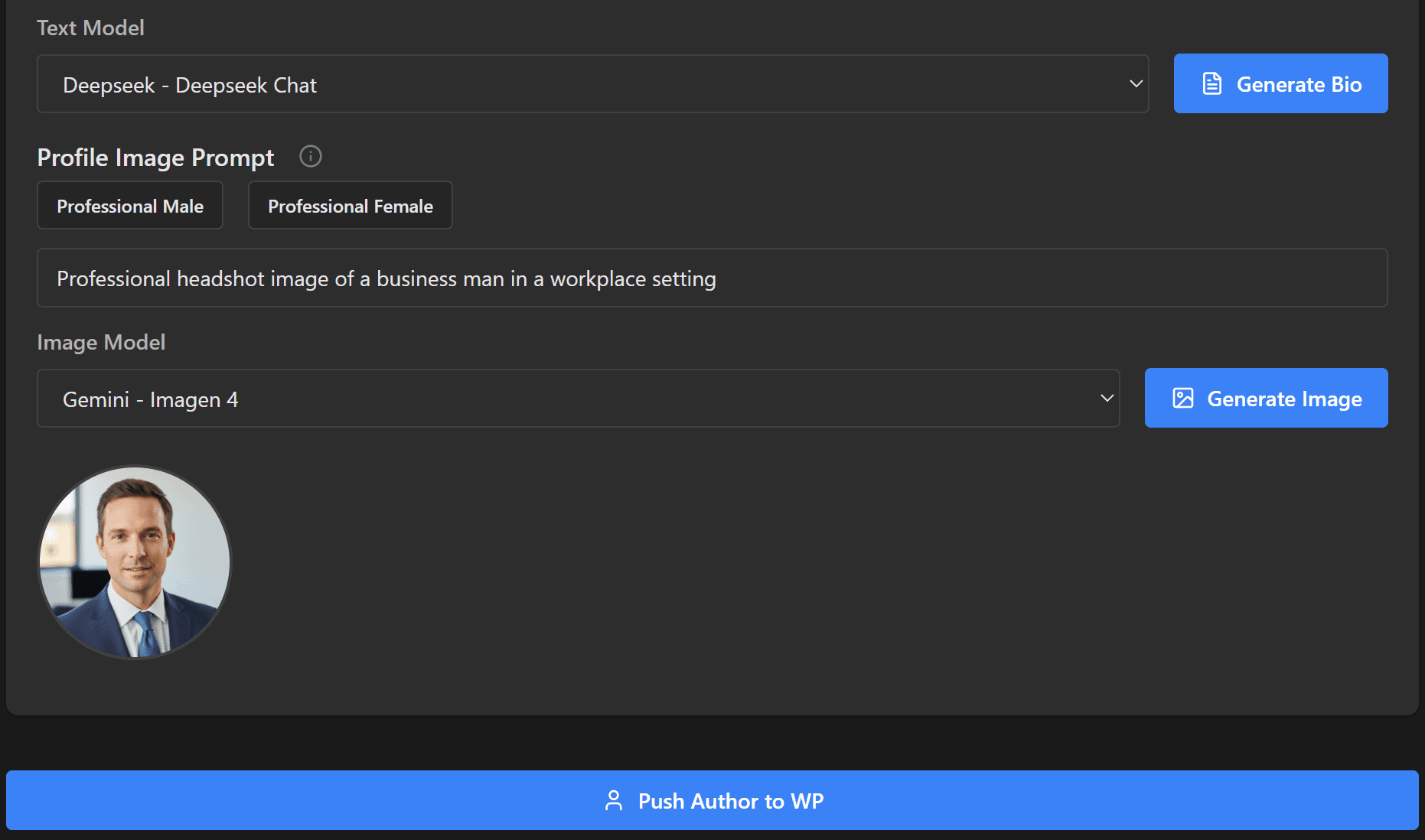
Author Creator
Easily create WordPress users with author role for your sites. Build solid collections of authors.
- Create WordPress authors: username, email, password
- First/last name and display name
- Create for single or multiple sites
- Bio creation: manual or AI-generated
- Profile image/avatar generator
- Preset options: male or female image generation
- Manual image prompt field
- Image model selection
- Push authors directly to WordPress
AI Settings
Manage organization-level API keys and AI models for system operations. Accessible by owners and admins only.
- Current status display for AI providers
- Manage API keys for various providers
- All keys encrypted before database storage
- Decryption process on key usage
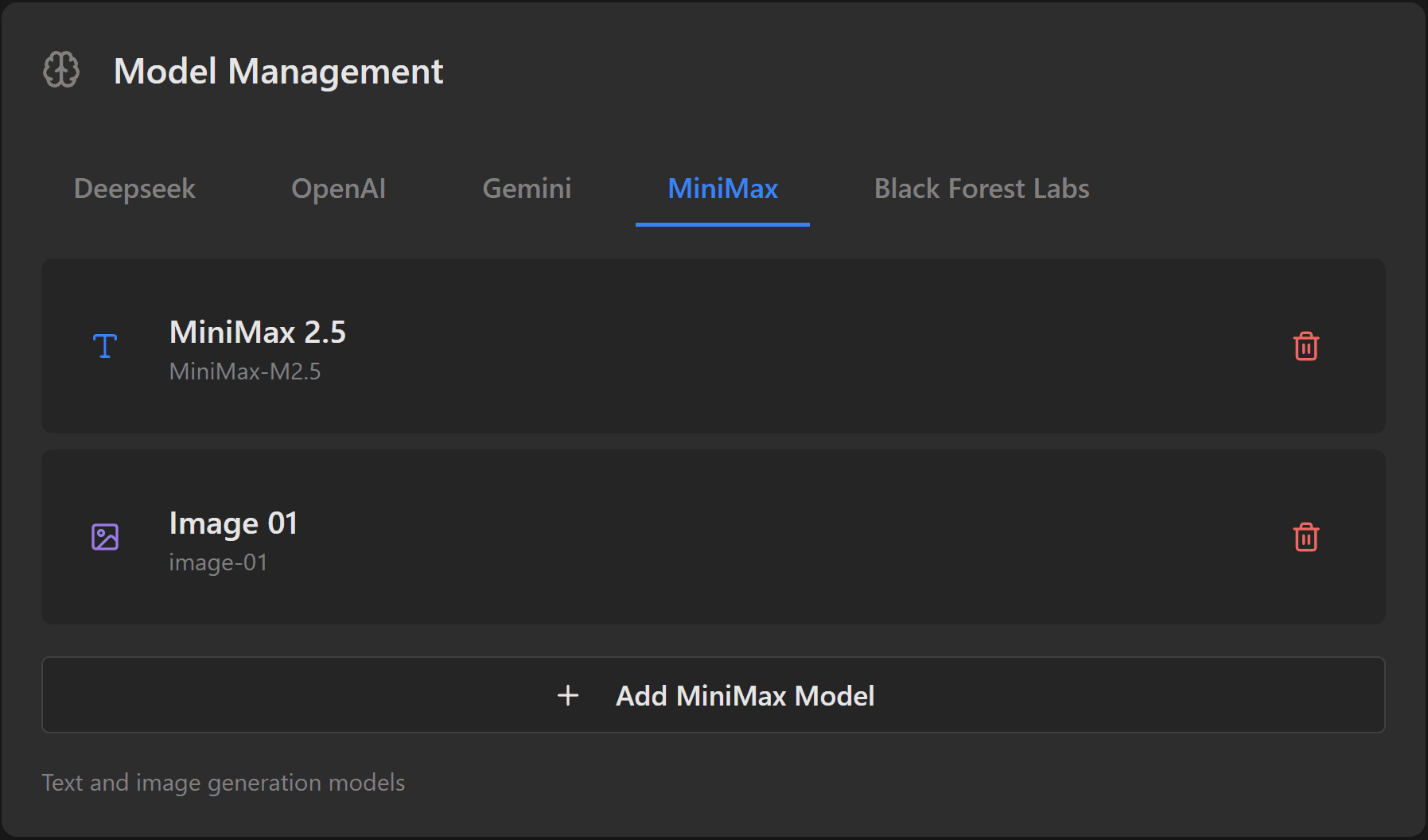
- Model management across providers
- Support for: OpenAI, Google Gemini, Claude, Grok, DeepSeek, Replicate, and more